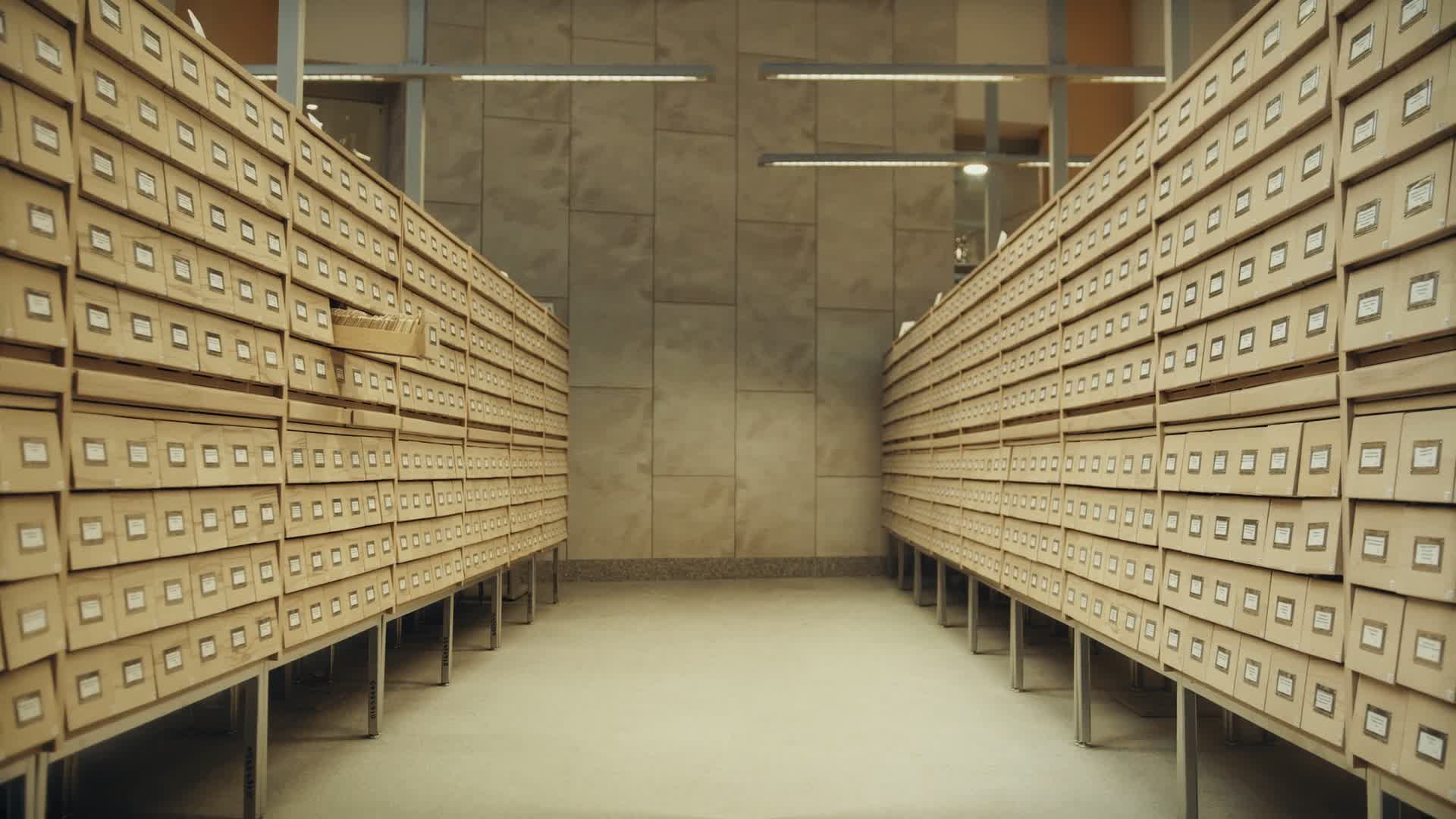
A workplace from supplier documents, without people

Supplier documents

A supplier's certificate expired, and you found out at the audit.

For every supplier you see which required documents are valid, which have expired and which are missing. A reminder arrives before expiry, and the supplier uploads the new document through a secure link.

How the process runs through Arhivix.

Arhivix does every step below today.

  1. The supplier and the required documents

    Works today

    You add every supplier whose documents you track as a tracked subject of the kind Partner, and next to it you list each document you require, such as a certificate, a licence or an insurance policy.

  2. The certificate arrives and is read

    Works today

    Certificates that arrive by email or in a folder enter processing once you connect that source to a flow. The Certificate document type reads the number, the issuer, the subject and the valid-from and valid-until dates, and a person on your team confirms those values next to the original.

  3. The state of every obligation

    Works today

    For each required document you see the current and the upcoming issuance, the validity period and the state, such as Valid, Expired, Coverage gap or Not covered.

  4. Reminder before expiry

    Works today

    For each obligation you choose how many days before expiry the reminder arrives in the app, and which team member receives it.

  5. Request to the supplier

    Works today

    The Supplier qualification dossier holds the company registration, the certificate and the insurance. For an item that is missing or has expired you send a request: the supplier gets a secure link, uploads the document, enters the validity date for the certificate and the insurance, and the document waits for your review. When you send the link by email, you also schedule a reminder for the supplier with it.

  6. The new issuance next to the previous one

    Works today

    You compare the new and the previous certificate of the same obligation field by field and, when both were read with the same version of the document type, see which confirmed values are the same and which differ. The person who reviewed it records the new issuance.

  7. Decision and history

    Works today

    You record the decisions Accept, Renew, Replace early and Revoke with a reason and an effective date, so the decision history stays with every obligation. Whether the supplier meets your requirements is decided by the person responsible on your side.

  8. Overview and export

    Works today

    In document processing you build a register with one row per certificate issuance, a days-until-expiry column and an expiry calendar, and export it to CSV or Excel.

The same job in different industries.

The batch is wrong, and the claim needs the certificate, the goods receipt and the intake photo, all from the same delivery.

Without complete proof the claim is delayed or fails, and the cost of the bad raw material stays with you.

cert_0917_S235.pdf link sent
  • Supplier Marendo Trade Ltd
  • Batch 41872
  • Delivery 0917: goods receipt, 3 photos
Log: link opened 23 Oct 2026 at 10:42.
Arhivix today
Everything from one delivery sits in the supplier's folder, and a search by supplier, batch number or date returns the certificate, the goods receipt and the photos together, because it also reads the text of a scanned certificate. You send the supplier a link with an expiry date, and the log shows when it was opened.

Your bid ranks best, and you have a few working days for the evidence, with an insurance policy that expired last month.

A bid that is late with its evidence or carries an expired document fails, and the contract goes to the next bidder.

policy_2026.pdf Deadline set
  • Folder Tenders / 42/2026
  • Valid until 31 Oct 2026
Reminder 30 days before expiry: renew the policy.
Arhivix today
The tender file sits in one folder and is found whole. Enter the expiry dates of policies, certificates and licences once in Deadlines, and a reminder arrives before they lapse, so renewal starts before the contracting authority calls.

The supplier invoice is on hold because nobody can find the goods receipt and the certificate.

Without proof of receipt the invoice does not go for payment, so you either pay the supplier late or pay for goods nobody has checked.

goods_receipt_0917.jpg filed
  • Folder Marendo Trade Ltd
  • Proposal goods receipt 0917, 16 Oct 2026
  • Notified purchasing
Search Marendo Trade October returns the receipt, the certificate and the invoice.
Arhivix today
The warehouse photographs the goods receipt and the certificate into the supplier's folder, and Arhivix reads them and proposes the number and the date. A ping tells purchasing, who find both papers and the invoice with one search.

It starts without a project.

  1. Connect the company inbox or upload your existing folders, and Arhivix reads everything in the background.

  2. Paper from the field is photographed with the phone or scanned; Arhivix proposes the type and the details, and you confirm.

  3. Confirm an inbox rule once: next time such an attachment files itself, and uncertain ones wait for your approval.

For more than 20 accounts and for agencies

One conversation about your flows, migration and the programs you use. We answer within one working day.

Request a quote

For small companies

No card needed. Paid plans are priced per company, not per user.

Content search and AI search come with every paid plan.

Try the free plan

Public pricing, per company

The Arhivix Lite plan is free and needs no card. Paid plans are priced per company, and even the smallest includes 5 user accounts, with no per-user pricing. For more than 20 accounts we prepare a custom quote.

See plans and prices

Frequently asked questions

Next to the supplier you list the document you require and choose its Valid from and Valid until fields from the document type. Once a person on your team confirms the dates read from the certificate, links the certificate to the obligation and records the decision Accept, Arhivix shows whether the document is valid or expired and until when, and the reminder arrives before expiry to the team member you choose.

From the Supplier qualification dossier you send a request for the company registration, certificate or insurance that is missing or has expired. The supplier gets a secure link, uploads the document there and enters the validity date for the certificate and the insurance, and the document waits for your review.

The ones you list next to the supplier yourself, such as certificates, licences and insurance policies. For each one you choose the document type its validity dates are read from.

You open the new and the previous certificate of the same obligation side by side, and when both were read with the same version of the document type, Arhivix shows for every field with confirmed values whether they are the same or different and which page of the document they are on.

If no new issuance has been recorded, the obligation gets the state Expired, and from the Supplier qualification dossier you send the supplier a request for a new document. When the new certificate arrives, you review it and record it as the new issuance, and the previous one stays in the history.

Request a quote. You then check the Certificate document type from the ready template on a sample and publish it, add your suppliers and, for each of them, the documents you require.

You upload your existing folders or connect your email inbox, and Arhivix indexes everything in the background. Standard plans need no migration project and no consultants. With an Enterprise contract, your existing archive is moved in with its folder logic, metadata and retention dates preserved.

Absolutely. You can cancel from your account settings with one click. Your data remains accessible until the end of your current billing period. After that, your account is paused and you have 30 days to export your data.

Can't find your answer? Write to us at support@arhivix.com

Send your first document. Arhivix organizes it.

Request a quote Try the free plan

No commitment, no credit card.

NOTIX DOO Beograd · MB 21993310 Verify the registration number in the public APR business register (opens in a new window) · PIB 114240716

Dušana Matića 26, 11000 Belgrade

Monday to Friday, 09:00 to 17:00 CET

Invoice_Hansa_118.pdf Forwarded
  • Arrived by email 14:32
  • Read, details confirmed
  • Checked in the field and approved
  • Forwarded to your accountant and your software

Next: your first document

Footage: Pexels (Tima Miroshnichenko), Pexels License.